In short, this faceless video generator turns a topic or a script into a finished video. It writes the narration, draws one AI picture per scene, records a natural voice and burns in captions, so you can post to Shorts, TikTok, Reels or YouTube without showing your face.
By The Tellstill team (Product and testing). Last updated .
0/300 characters. The studio writes the script for you.
9:16 for TikTok, Reels and Shorts
Style notes (optional)
- Script writing20
- AI images (9)90
- AI voice45
- Subtitles20
- Rendering10
How the faceless video generator works
First, the script is split into scenes of about one sentence each. Then the studio plans a picture for every scene and draws it in the template's style, so the same character and mood carry through the whole video.
After that, the narration is recorded scene by scene, and each picture is timed to the pause in the voice. As a result, the cut always lands on a breath. Finally, slow zoom and pan, soft crossfades and word-by-word captions turn the stills into a video that feels alive.
Every frame drawn for your story
So there are no stock clips that a hundred other channels already used. Instead, each scene gets its own picture, made for the sentence the narrator is saying, then moved with a slow camera so the viewer keeps watching.
Eight looks, one click each
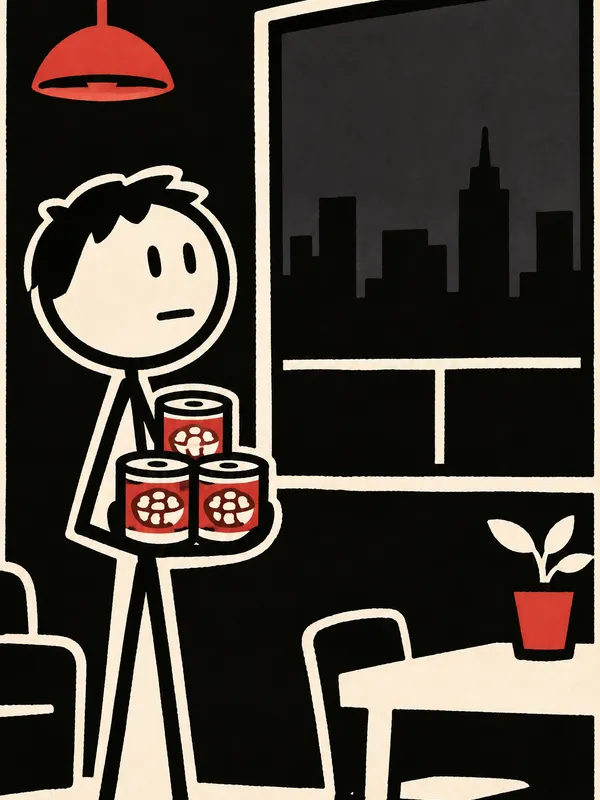
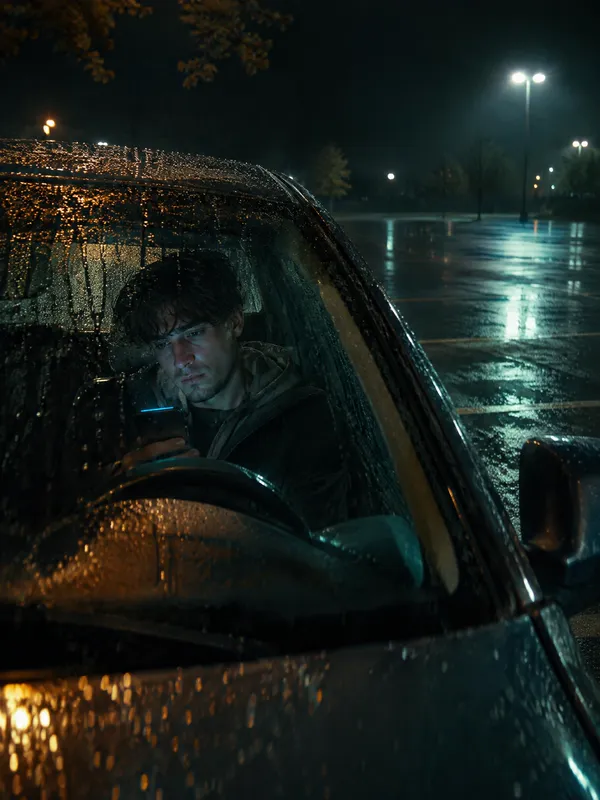
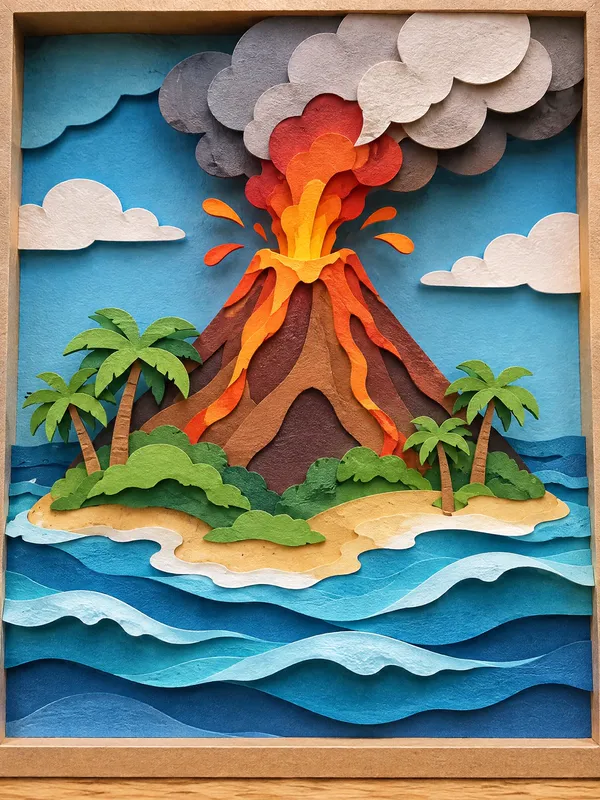
Every template sets the picture style, the caption font and the highlight color. Also, these frames come from real renders.





A real faceless video, start to finish
We gave the studio one line, "three days without power, a survival story", picked Ink stickman and the Deep storyteller voice, and pressed Create. Below is the 9:16 video it returned, untouched, because we want you to see the real thing. Also, the numbers on the right come from that run.
- Scenes
- 6
- Caption cues
- 23
- Words
- 68
- Render
- 9.1 s
The script the studio wrote
Day one. The power went out across the whole city, and Sam had three cans of beans. He filled every bottle in the apartment with water before the pipes ran dry. Day two. The streets were silent, so he climbed to the roof and painted giant white letters. Day three. A drone hovered over the roof, blinked twice, and flew away. That night, someone knocked on his door.
Render time is the assembly step on our server, after the pictures and the voice were made.
Guides for every kind of faceless channel
Each guide opens the studio with the format and template that fit it, so start with the channel you want to build.
From $21.75 a month, every step included
Credits pay for each step of a video, because each step runs on a paid model, and a one minute short uses about 185. So Starter covers about 35 shorts a month. See the pricing page.
$65.25 paid once, so 3 months with no renewal.
- About 35 one-minute shorts a month
- Shorts and long videos
- All 8 templates and 6 voices
$110.25 paid once, so 3 months with no renewal.
- About 60 one-minute shorts a month
- For a video every day
- All 8 templates and 6 voices
$222.75 paid once, so 3 months with no renewal.
- About 3 hours of video a month
- For several channels
- Long videos up to 20 minutes
Billed monthly, but you can cancel anytime.
- About 35 one-minute shorts a month
- Shorts and long videos
- All 8 templates and 6 voices
Billed monthly, but you can cancel anytime.
- About 60 one-minute shorts a month
- For a video every day
- All 8 templates and 6 voices
Billed monthly, but you can cancel anytime.
- About 3 hours of video a month
- For several channels
- Long videos up to 20 minutes
Credits pay for each step of a video: 10 per AI picture, 5 per 100 characters of voice, 20 for subtitles and 10 per minute of render. A one minute short is about 185 credits. Credits from a 3 month pass last the full 3 months, and a failed render gives its credits back. Need more? Contact us. Payments go through PayPal.
When this faceless video generator is not the right tool
First of all, it does not edit your own footage. So if you already filmed clips and need cuts, music and b-roll, a regular video editor is the better choice. Also, we do not make talking avatars or lip sync, and we do not post to your channels for you.
In addition, the pictures are AI illustrations, not real photos of real events. Therefore, for news, true crime or history, check every fact in the script and say in the description that the visuals are illustrations.
Faceless video generator FAQ
What is a faceless video generator?
It is a tool that makes a narrated video without anyone on camera. In other words, you give it a topic or a script, and it returns a video with pictures, a voice and captions that you can post right away.
Is there a free trial?
No. Every picture and every second of voice runs on a paid AI model, so videos need credits. Instead, you can watch the sample videos on this site, which the same studio made, before you pick a plan.
Can I monetize videos from this faceless video generator?
Yes. For example, you can post them on monetized YouTube, TikTok and Facebook channels. Still, platforms reward original work, so write or edit each script yourself and avoid uploading near copies of the same video.
Which formats can I make?
There are two. First, short form in 9:16 at 1080 x 1920 for Shorts, TikTok and Reels, and long form in 16:9 at 1920 x 1080 for YouTube. Both come as an MP4 file, with the captions also as an SRT file.
Can I use my own script?
Yes. Switch to From my script and paste up to 20,000 characters, which is about 23 minutes of narration. Then the studio splits it into scenes, but it never changes your words.
How long does a video take?
A one minute short usually takes a few minutes, since every picture is drawn fresh. Longer videos take longer, but you can leave the page: the video keeps rendering and waits in your account.
Your next video is one line away
Type a topic, pick a look and a voice, and press Create. Then the studio does the rest.